Bundle-ID first
Precise app identity matching comes before looser name matching.
Mac app uninstaller for leftover files
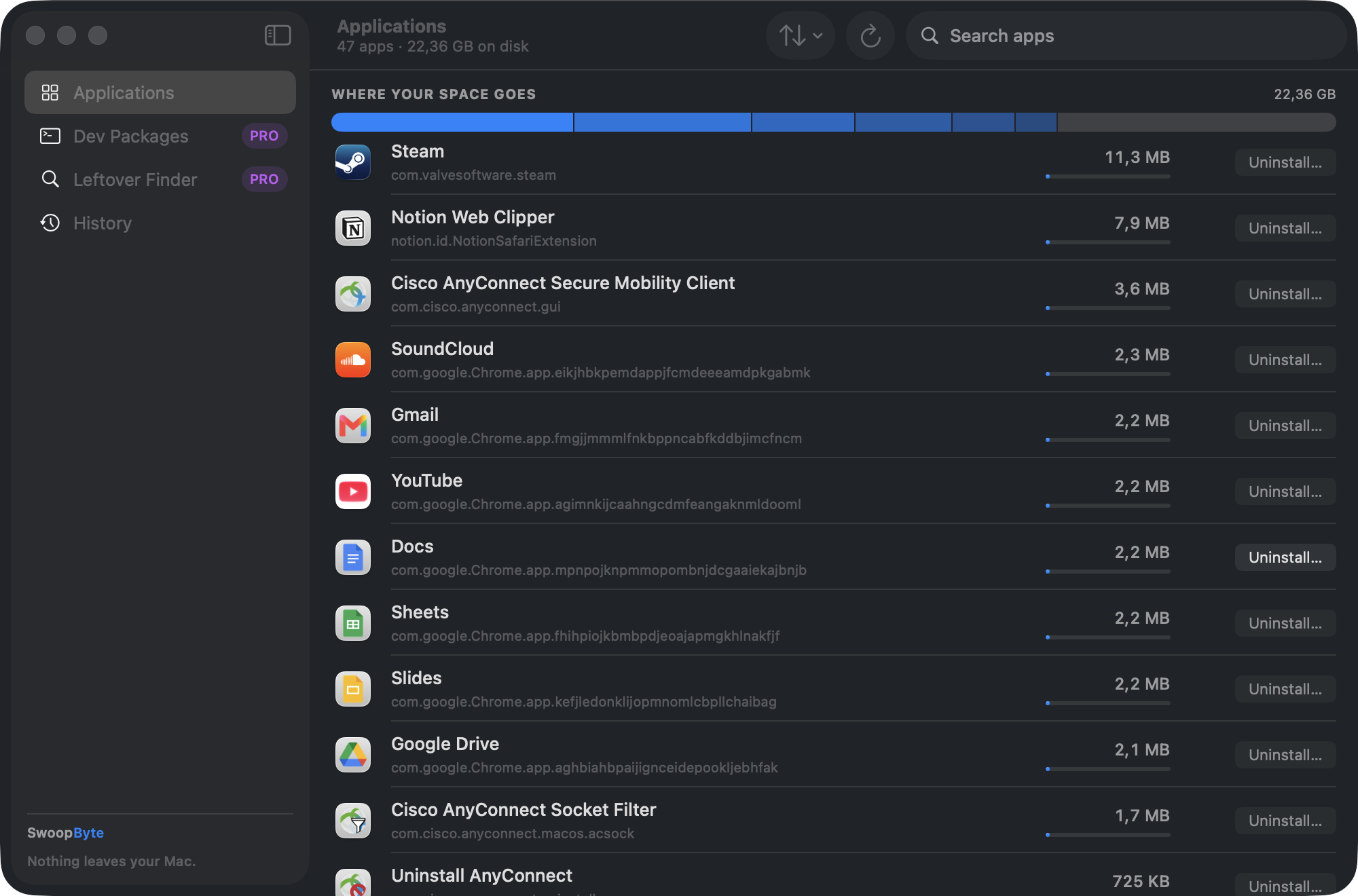
Dragging an app to Trash removes the app bundle. It often leaves settings, caches, logs, login items, and support files behind. SwoopByte Uninstaller finds them, explains them, and removes them safely — every removal previewed first and reversible from the Trash.
Why it is different
The app should be thorough enough to find leftovers, but careful enough to avoid touching files another app still uses. That safety model is the product.
Precise app identity matching comes before looser name matching.
Group containers, cloud folders, and same-developer suites stay out of pre-selected removals.
Files move to Trash so a mistake can be recovered until the user empties it.
Settings, caches, logs, login items, and agents are grouped with simple labels.
Free vs Pro
Uninstall any app — with the full leftover preview and every safety feature — free, forever, with no artificial limits. Pro exists for one thing: removing what macOS has no uninstaller for. One-time $12.99, no subscription.
| What you get | Free | Pro |
|---|---|---|
| Uninstall any app with a full plain-language leftover preview | Included | Included |
| Safety model: shared-file and cloud protection, bundle-ID-first matching | Included | Included |
| Trash-not-delete — every removal reversible | Included | Included |
| Installed-apps list with real on-disk sizes and space breakdown | Included | Included |
| Dev toolchain detection with sizes — Homebrew, Node.js, nvm, pyenv, Rust, Docker | Included | Included |
| Remove whole dev toolchains, including their caches and artifacts | — | Included |
| Leftover Finder — scan for orphans from apps deleted long ago | — | Included |
| Removal history | Recently removed | Full history |
| Price | Free, forever | One-time $12.99 |
No subscription, no account, no feature that quietly stops working. Upgrade only if Pro solves a problem you actually have.
Two different jobs
SwoopByte Uninstaller gets one app — and everything it left behind — completely off your Mac. If instead your storage feels full and you are not sure what is safe to remove, that is a different job. See SwoopByte Disk →
Related app removal guides
The safe path from app bundle to leftover files, login items, and shared containers.
Read guide →A focused guide for Library folders and app support files.
In progressA fair comparison for users choosing between free and preview-first removal.
In progressLaunching first by email
Free to use, with every safety feature included — Pro is a one-time $12.99, no subscription, no account. The direct download is being finalized; leave your email and the link lands the moment it's live.
Requires an Apple Silicon Mac running macOS 14 or later. Direct download — no App Store account needed.